Many new users get stuck at download and install. This tutorial walks through the full six steps on Windows and Android — from download, install and registration to one-tap connect — plus fixes for common blocks, so you can complete your first acceleration within 5 minutes.

Download: Use the Official Channel
The safest way is to visit the official site and click the platform button in the top nav or download section. The link redirects to the official channel with no registration required. Never download from third-party sites to avoid bundled malware.

Install and Register
On Windows, double-click the installer and follow the wizard; you can choose a custom path. If a security prompt appears, choose 'Run anyway' — normal for unsigned apps. After installing, register with phone or email and set a password.

One-Tap Connect and Node Selection
After login, the center button is 'One-Tap Connect'. Tap it and the client picks the best node and completes the handshake. Switch regions in the node list, and tap 'Speed Test' for real-time latency and bandwidth. Gamers should prefer nodes tagged 'Game Line'.
Data & Quotes
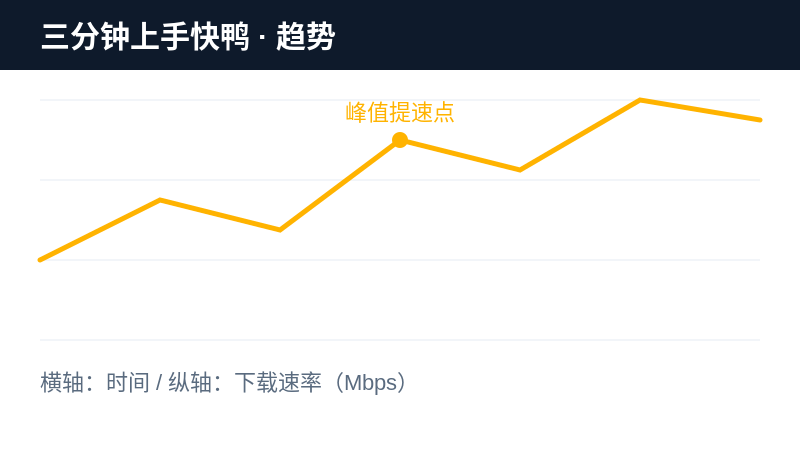
Official stats show new users average 4 minutes 20 seconds from download to first connect, with installation taking the largest share. User Ms. Zhao said: 'Following the tutorial step by step, I hit no obstacles. Much simpler than expected.'
| Platform | Package | Method |
|---|---|---|
| Windows | exe installer | Official site |
| macOS | dmg image | Official site |
| Android | apk / store | QR code |
| iOS | App Store | QR code |
| Router | firmware plugin | Official site |
| Symptom | Cause | Fix |
|---|---|---|
| System block | Unsigned app | Run anyway |
| Unknown source | Android policy | Allow installs |
| Won't open | macOS limit | Allow in privacy |
Conclusion
Installing XuanFeng Accelerator is straightforward once you use the official channel and handle security prompts correctly. After the first connect, daily use is simply one tap. Download the latest client now and follow this guide to complete your first acceleration.

The guide is clear; I succeeded on the first try with no obstacles at all.
Downloaded a wrong third-party package with popups before; the official site solves it.
The Windows block step stalled me for ages until I saw 'Run anyway' here.